Course
Claude in Action: Use Cases by Role
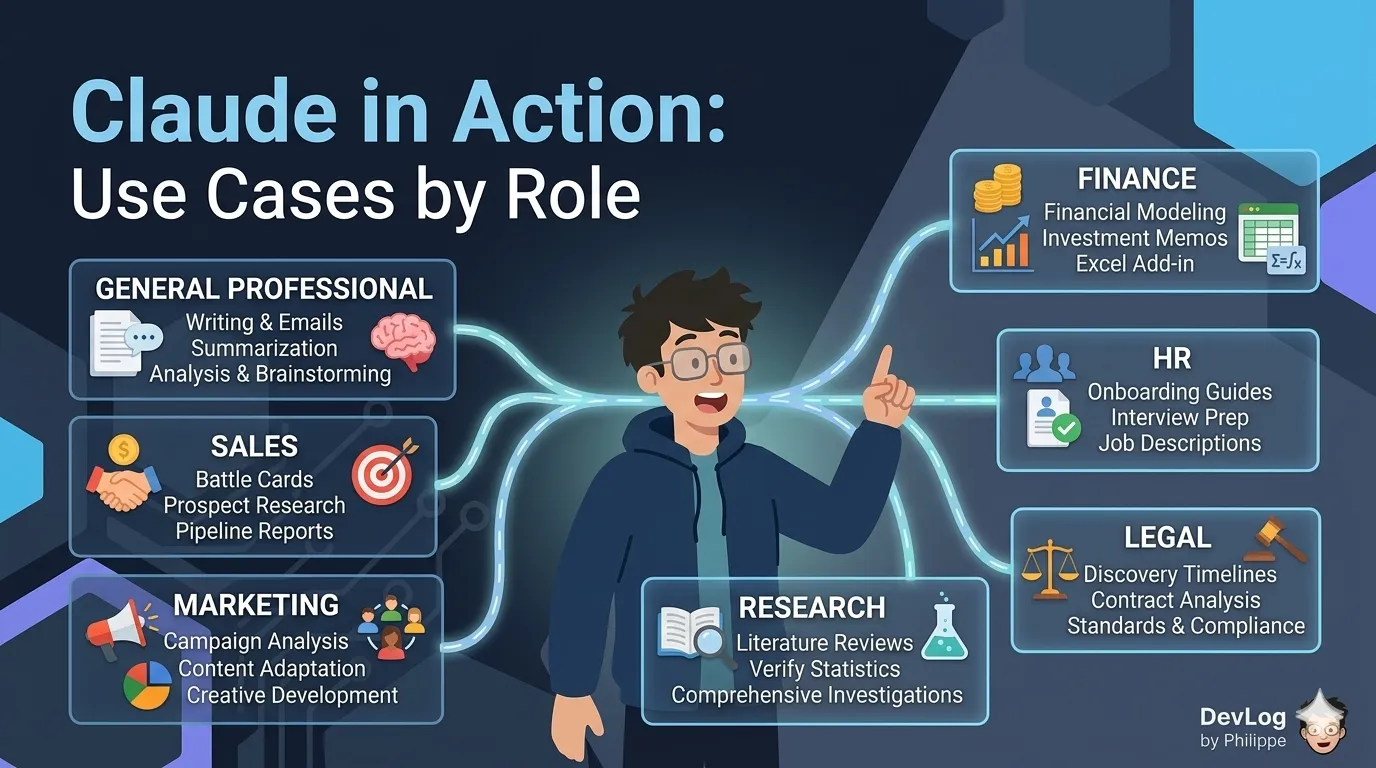
From generic AI assistant to role-specific colleague — practical use cases for Claude across sales, marketing, finance, HR, legal, and research.
#ai
#claude
#use-cases +2
From generic AI assistant to role-specific colleague — practical use cases for Claude across sales, marketing, finance, HR, legal, and research.
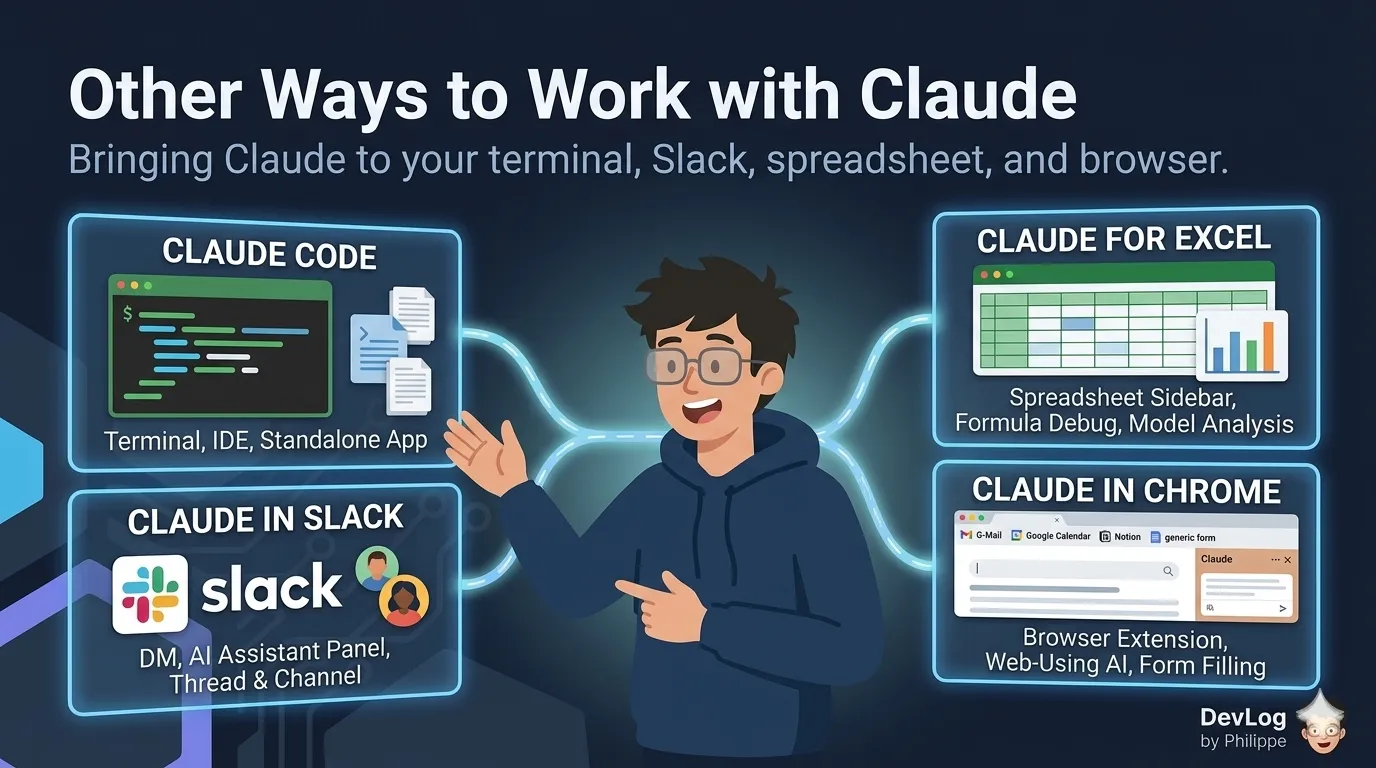
Beyond claude.ai — how Claude Code, Claude in Slack, Claude for Excel, and Claude in Chrome each bring Claude into the places you already work.
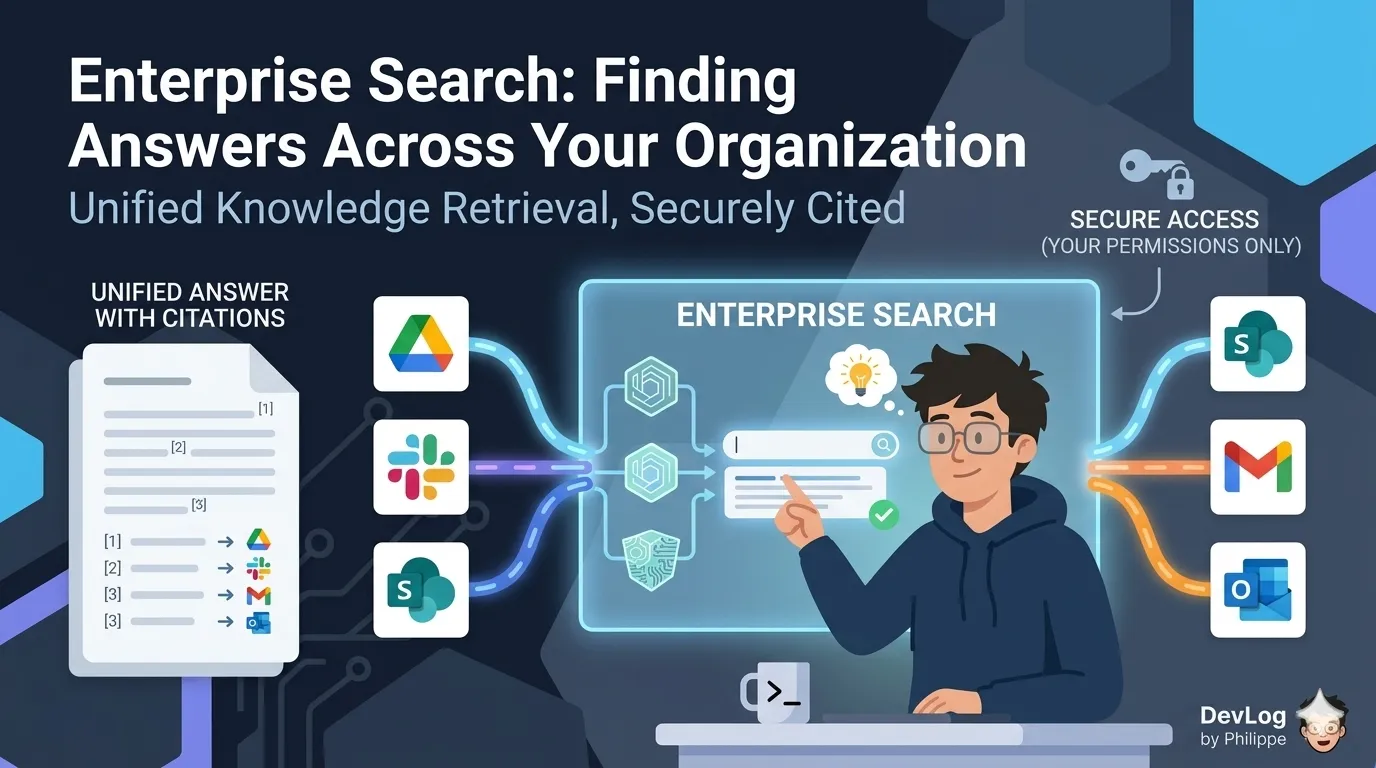
Ask one question across Slack, Drive, SharePoint, email, and more — and get a unified, cited answer that respects every permission you already have.
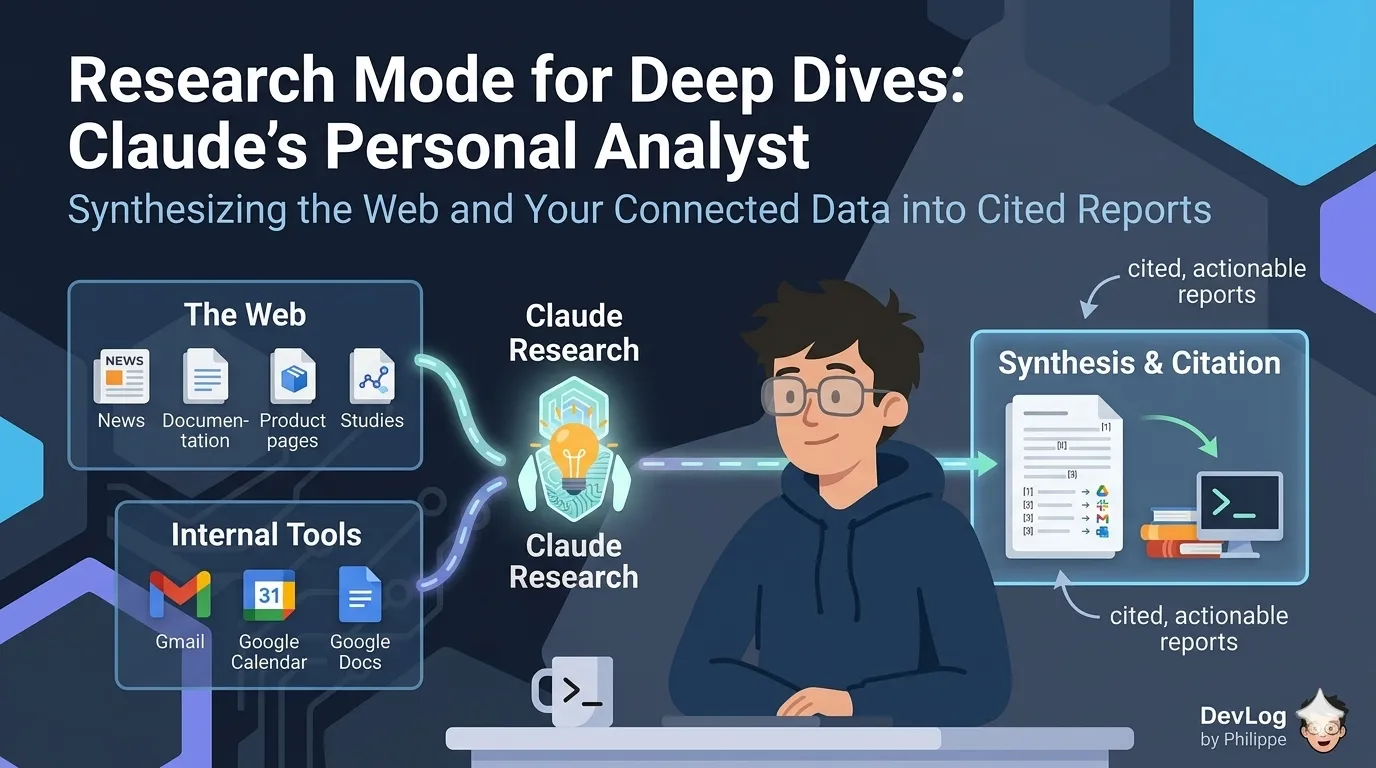
For questions no single search can answer — Claude's agentic investigation mode runs layered searches across the web and your connected tools, then returns a single cited report.
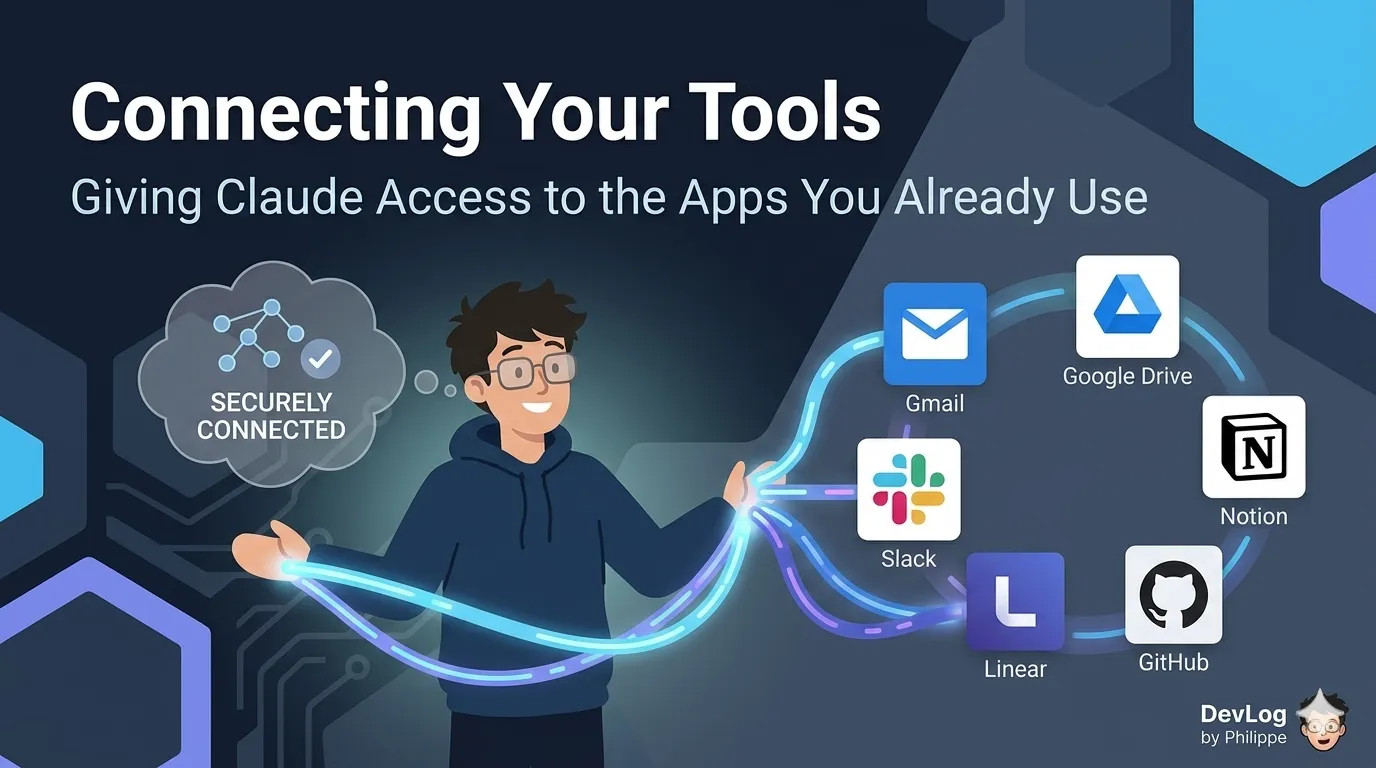
Connectors link Claude to the tools where your work actually lives — Gmail, Drive, Slack, Notion, Linear, GitHub, and more — so Claude can read, search, and act without copy-paste.
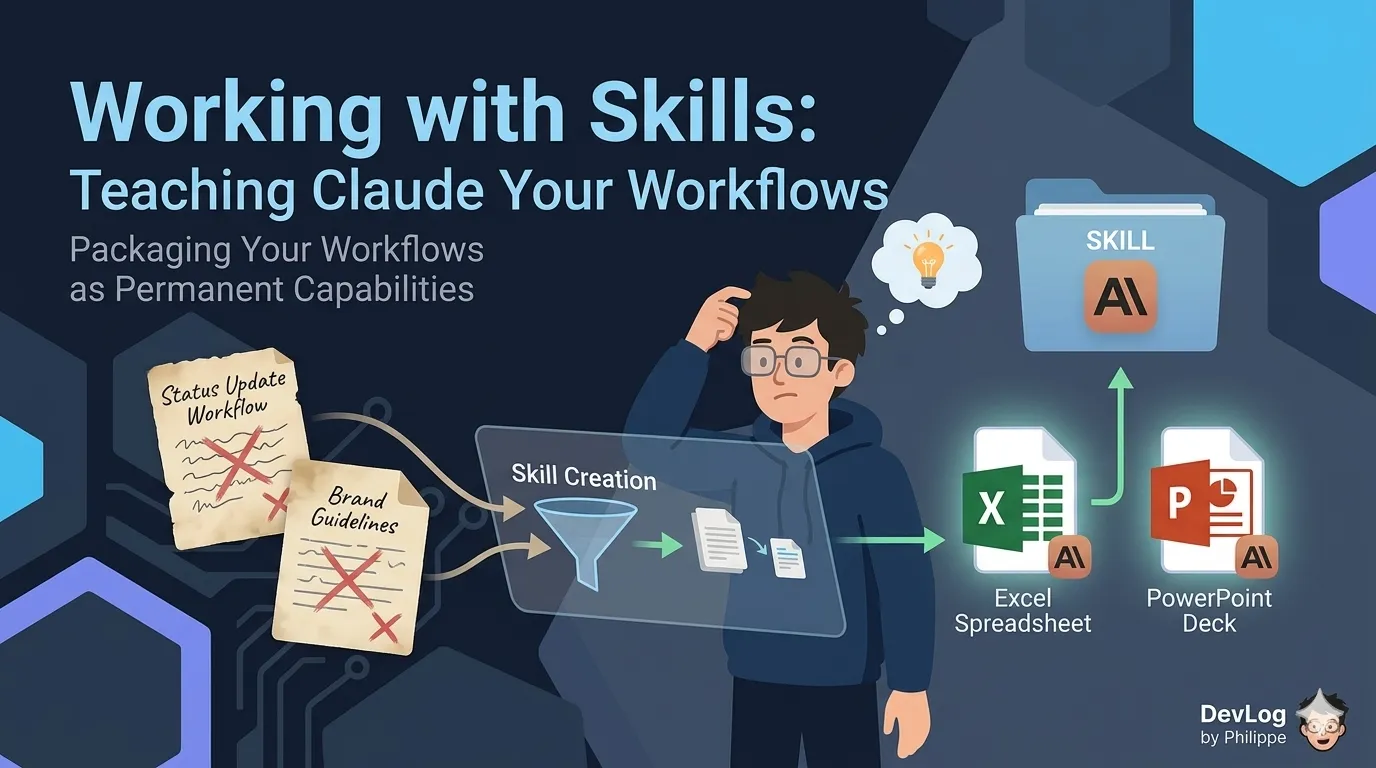
Skills turn one-time explanations into permanent capabilities — teaching Claude the workflows you do most often so you stop re-explaining and start reusing.
Artifacts are Claude's way of producing standalone, interactive deliverables — rendered documents, working code, live web pages, diagrams, and more — in a dedicated panel you can preview, edit, download, and share.
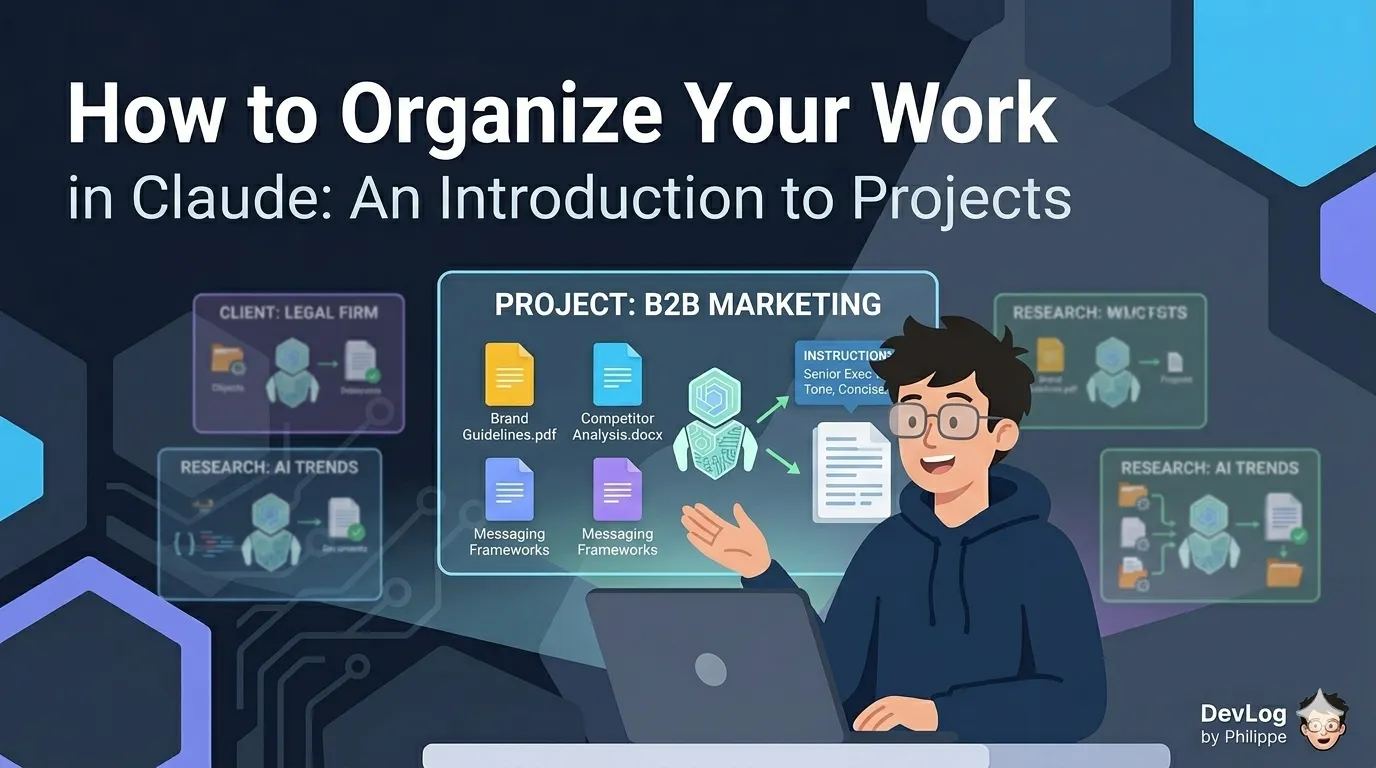
Projects let you create persistent workspaces where your context, documents, and instructions are always ready — so you stop re-explaining yourself and start doing real work faster.
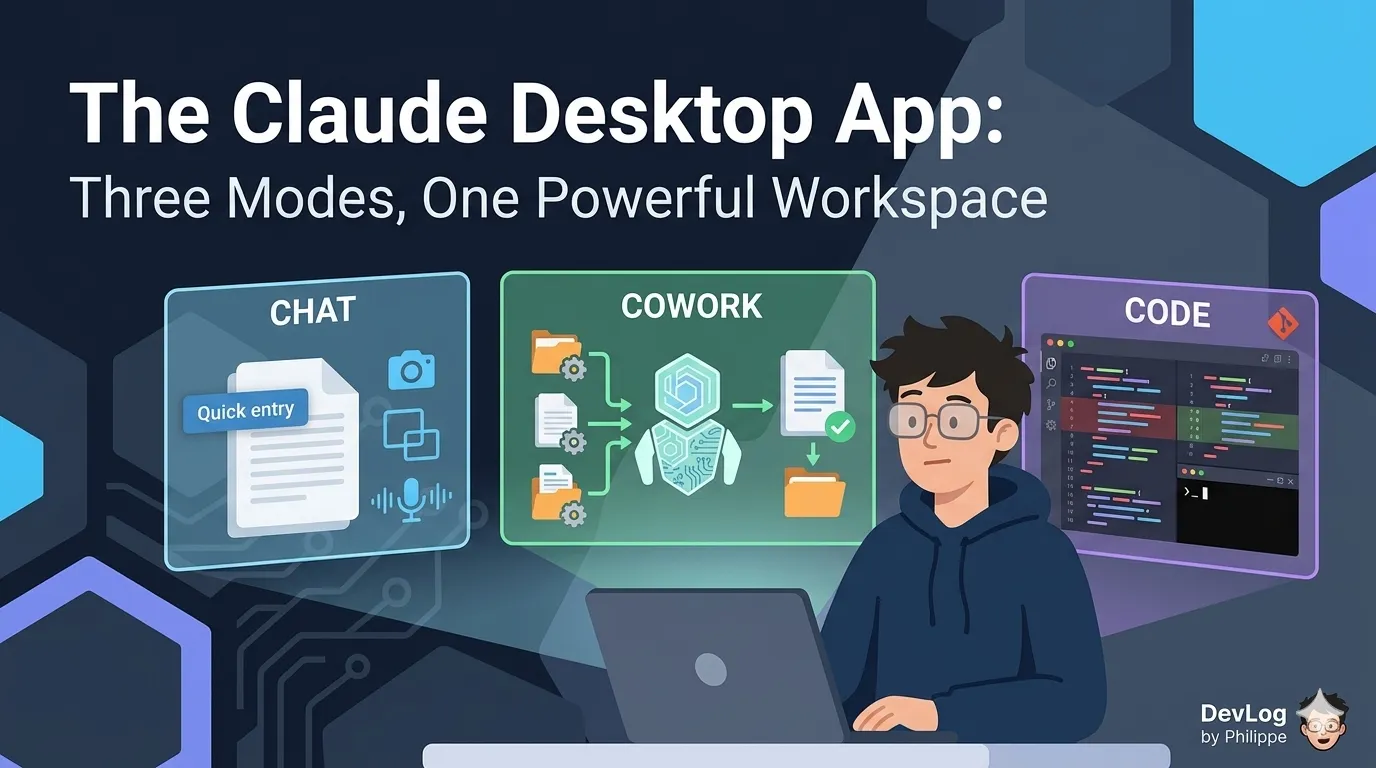
The desktop app introduces two modes beyond the familiar chat interface — Cowork and Code. Here's what each one is optimized for, and how to choose between them.
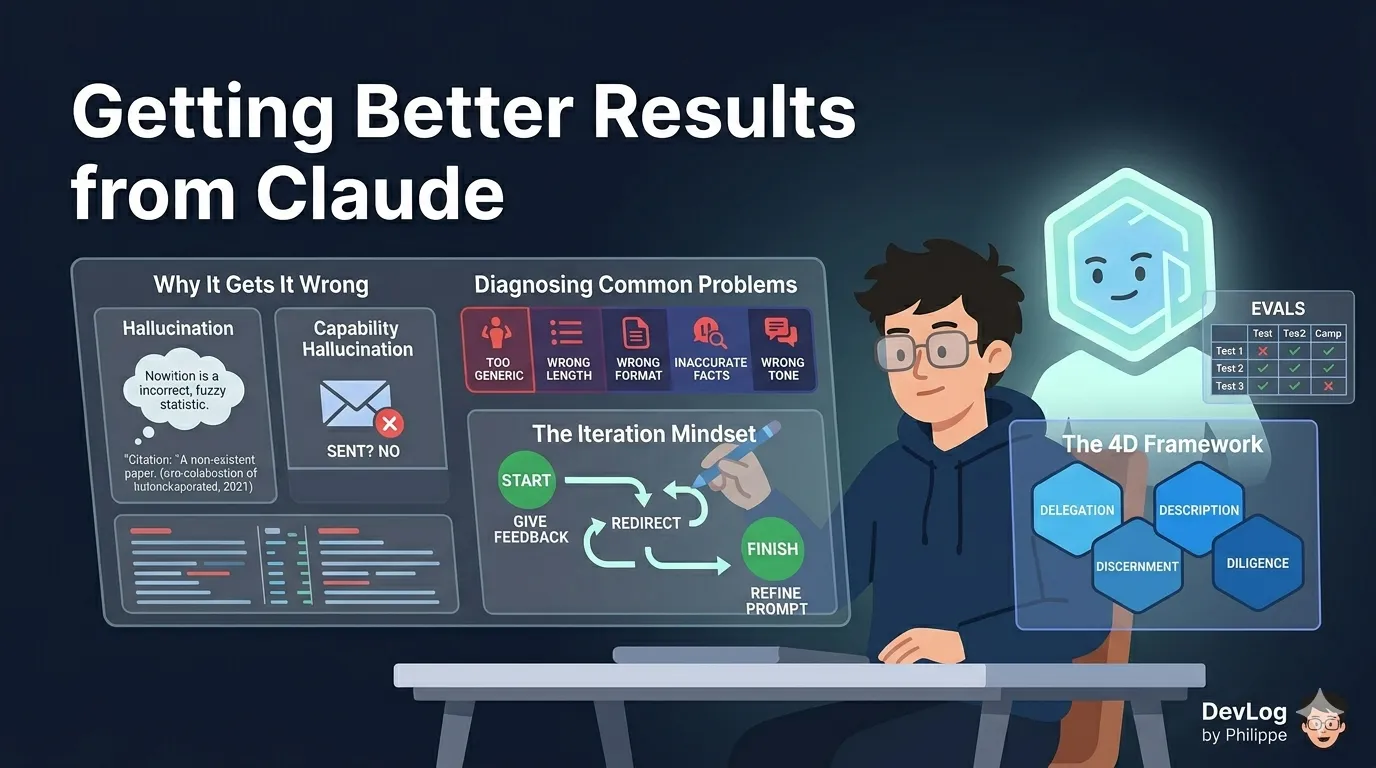
Why Claude sometimes gets things wrong, how to diagnose a poor response, and how to develop the iteration habits and AI fluency that make every conversation more useful.
How to write your first prompt, give Claude the context it needs, upload files for analysis, and iterate when the first response doesn't quite land.
A breakdown of what Claude actually is, what makes it different from basic chatbots, and how to think about it as a tool for your professional life.
How I used AI coding tools to rebuild a portfolio site in a weekend — what worked, what didn't, and the surprising productivity gains.
After 30 days with Cursor as my primary editor, here's what works, what doesn't, and whether it's worth switching from VS Code.